10 things to check before powering down your old server after migration
Practical checklist for anyone who's just completed a migration: DNS, email, cron jobs, certificates, backups and how long to wait before pulling the plug.
UptimeMag editorial team · 22 October 2026 · 3 min read
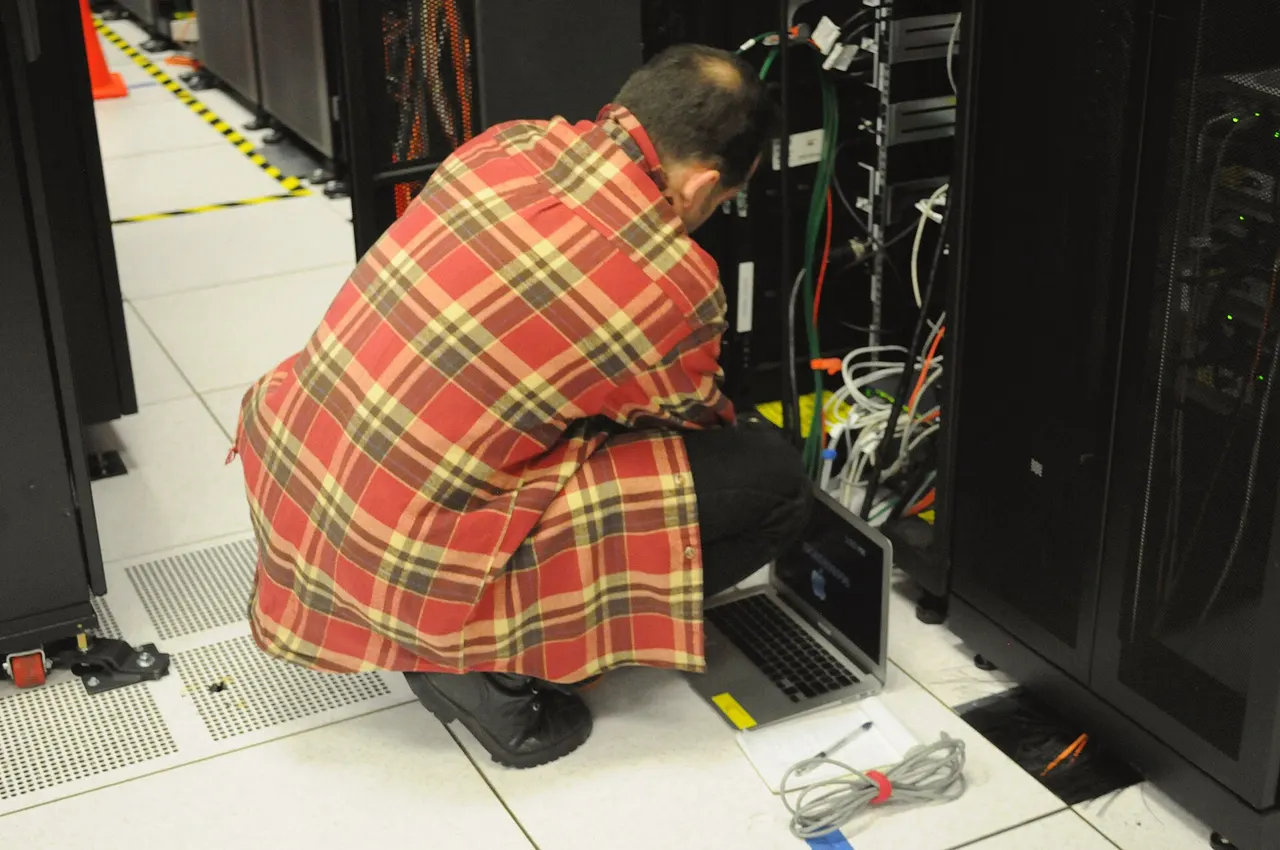
The most dangerous moment in a migration isn't the day of the transfer. It's the week after, when the new server appears to be working fine and the temptation to free up resources (and stop paying two subscriptions) leads you to power down the old one too early. When something goes wrong—a forgotten mailbox, a cron job nobody had documented—the old server is already gone and recovery becomes a serious problem.
Here's a checklist of ten points to close out before giving the final OK to shutdown.
1-3: DNS and networking
1. TTL reduced well in advance. Before touching any DNS records, the TTL should be lowered. Best practice is to reduce the TTL to 60–300 seconds at least 24 hours before the actual change, so resolvers will cache a record with a short TTL and update rapidly. Doing it after the switch doesn't help much.
2. Propagation verified, not assumed. Wait time depends on the previous TTL: with a starting TTL of 3600 seconds propagation takes 1–4 hours, with 86400 seconds it can reach 48 hours depending on the resolvers involved. More recent guidance notes that DNS propagation doesn't necessarily require 24–48 hours if the TTL was lowered correctly in advance.
3. All associated records, not just the A record. AAAA, MX and TXT (SPF/DKIM) records should be checked together, not just the primary one: forgetting a secondary record is the most common mistake.
4-6: Services you only notice when they're gone
4. Email working properly on the new server. Sending, receiving, forwarding, filters and auto-responders should be tested mailbox by mailbox before the cutover, not after: email data such as mailboxes, forwards, filters and auto-responder settings are among the easiest things to overlook in a backup.
5. Cron jobs transferred and verified as running. Copying the crontab isn't enough: you must confirm the job actually runs in the new environment, with correct paths and permissions. This is the type of oversight that only surfaces weeks later, when a monthly report fails to arrive.
6. Certificates valid for the correct domain. Check that the SSL certificate is installed for the correct domain, including any HTTPS redirect chains left behind during migration.
7-8: Your safety net
7. Courtesy backup of the old server. Before final shutdown, take a complete copy of the old environment—files, databases, configurations—even if the new server seems stable. It's your last safety net and costs very little compared to an emergency restore.
8. Logs and monitoring compared. Compare logs from both the old and new server over the same time period to spot differences in traffic, 500 errors or requests still hitting the old IP: these are signs that someone (a client, a mobile app, a third-party service) hasn't got the new address yet.
9-10: The waiting period
9. The old server remains accessible for a minimum period. Sources don't agree on a single number. Operational guidance recommends not powering down the old server immediately, keeping it accessible for at least 48 hours, better yet 72 hours after the DNS change. More cautious guidance suggests keeping the old server for at least a month before decommissioning, giving you a fallback option if problems arise with the new one. The choice depends on your service type: for a static site, days are fine; for a business application with external integrations, it's worth waiting longer.
10. Formal decommissioning, not improvised. Only after closing out the nine points above does it make sense to schedule shutdown, with a date communicated to whoever manages billing and contracts with your old provider, to avoid paying empty charges or, worse, accidental early termination by administrative error.
Written with the help of artificial intelligence and checked by the editors (EU AI Act, art. 50).